
Excited to earn from your art? LettsArt's integration with Stripe simplifies the payment process. Whether you're new to Stripe or already have an account, setting up payments on LettsArt is a straightforward process. Just follow the prompts, customise your settings and you'll be ready to receive payments in no time.
Here’s how :
-
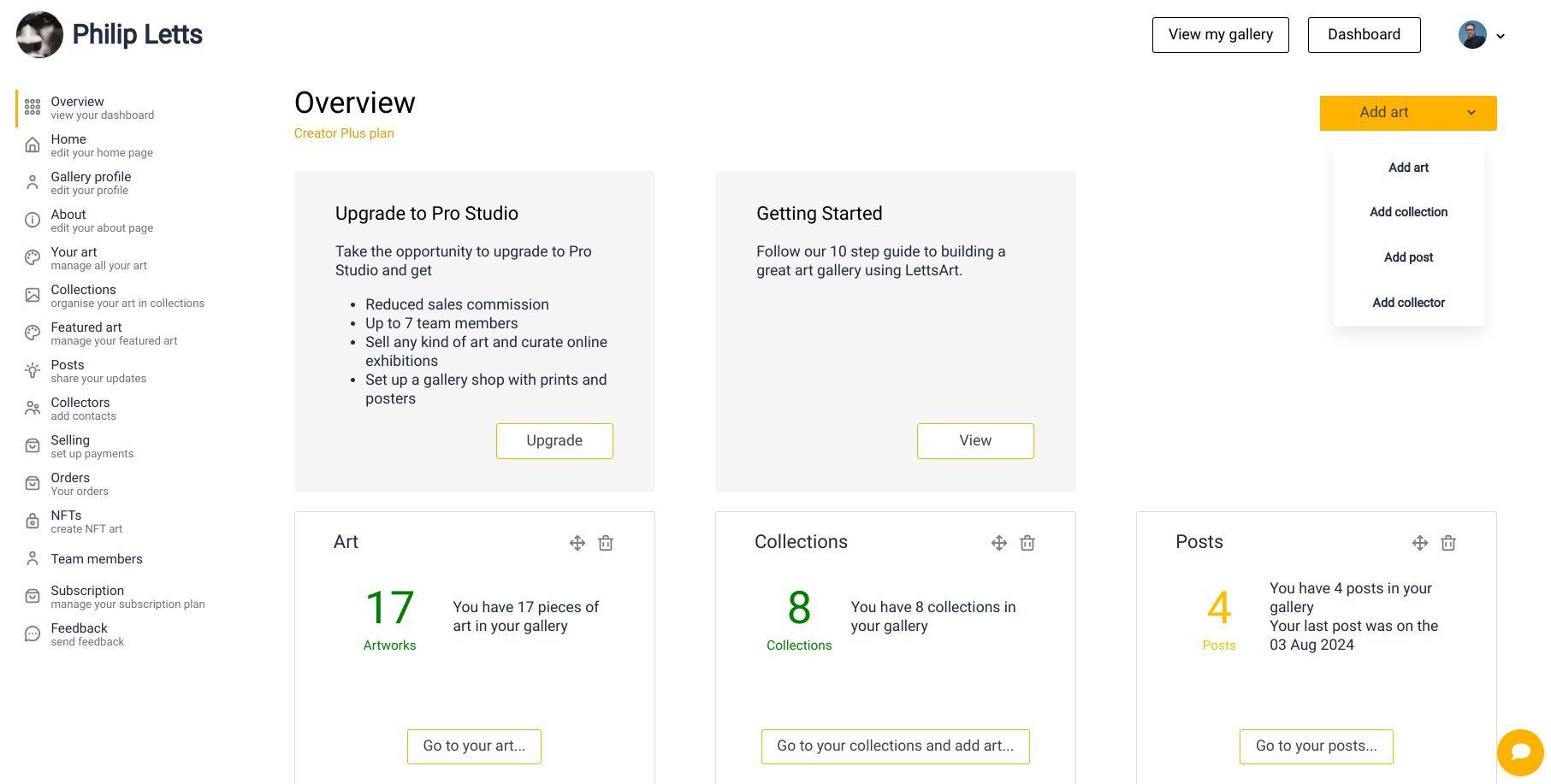
Open your LettsArt Dashboard and go to Selling (left-side menu). This is where payments are set up.
-
Click the Stripe setup/connect option:
-
If you already have a Stripe account, connect it when prompted.
-
If you don’t, create a new Stripe account from the prompt (individual or business). It only takes a few minutes.
-
Complete Stripe’s onboarding form and verification. Choose your payout currency, add your bank details, and finish the identity/business checks. You can pick your currency during setup.
-
Confirm it’s connected. In your LettsArt Dashboard, return to Selling and check that Stripe shows as connected.
-
Start pricing artworks. Once Stripe is connected, edit your artworks to add price, edition, and delivery details so buyers can check out.
Tips and troubleshooting
-
If Stripe asks for extra documents (ID, address, etc.), follow the secure link they email or show in your Stripe dashboard. Payouts may pause until verification is complete (typically 24–48 hours).
-
You can always revisit Selling in your Dashboard to review connection status and settings.
-
Need help from LettsArt? Contact support via the Contact page.
That’s it - after Stripe is connected and your artworks are priced, collectors can buy directly and you’ll receive payouts to your bank account.